DIY Guide: Setting Up a Wireless Uplighting System for House Parties
Introduction to Wireless Uplighting
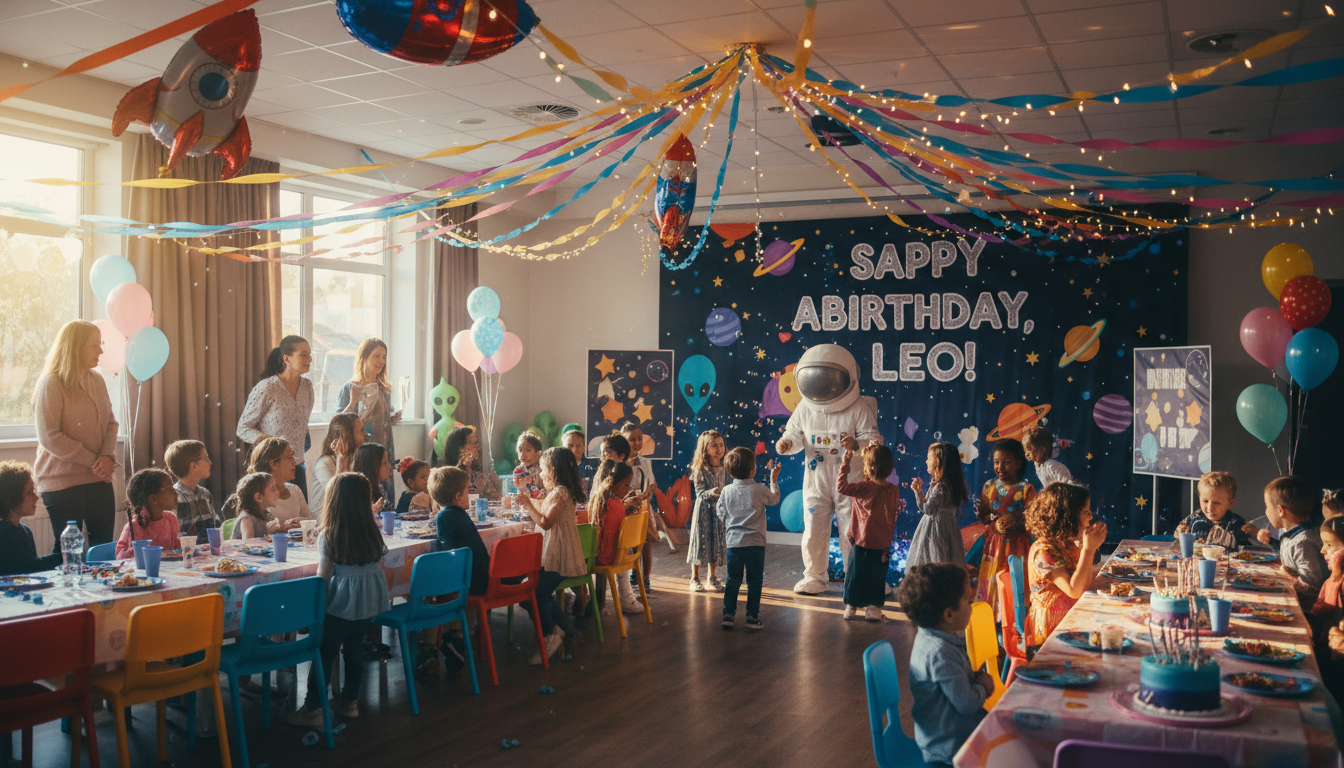
Transforming your living space for a house party can be a game-changer, setting the perfect mood and ambiance. One of the most effective ways to achieve this is through a wireless uplighting system. Not only does it offer flexibility, but it also adds a professional touch to your event.
Wireless uplighting involves using LED lights with battery power, eliminating the need for tangled cords. This guide will walk you through the setup process, ensuring your party is a hit with dazzling lights and vibrant colors.
Gathering Your Equipment
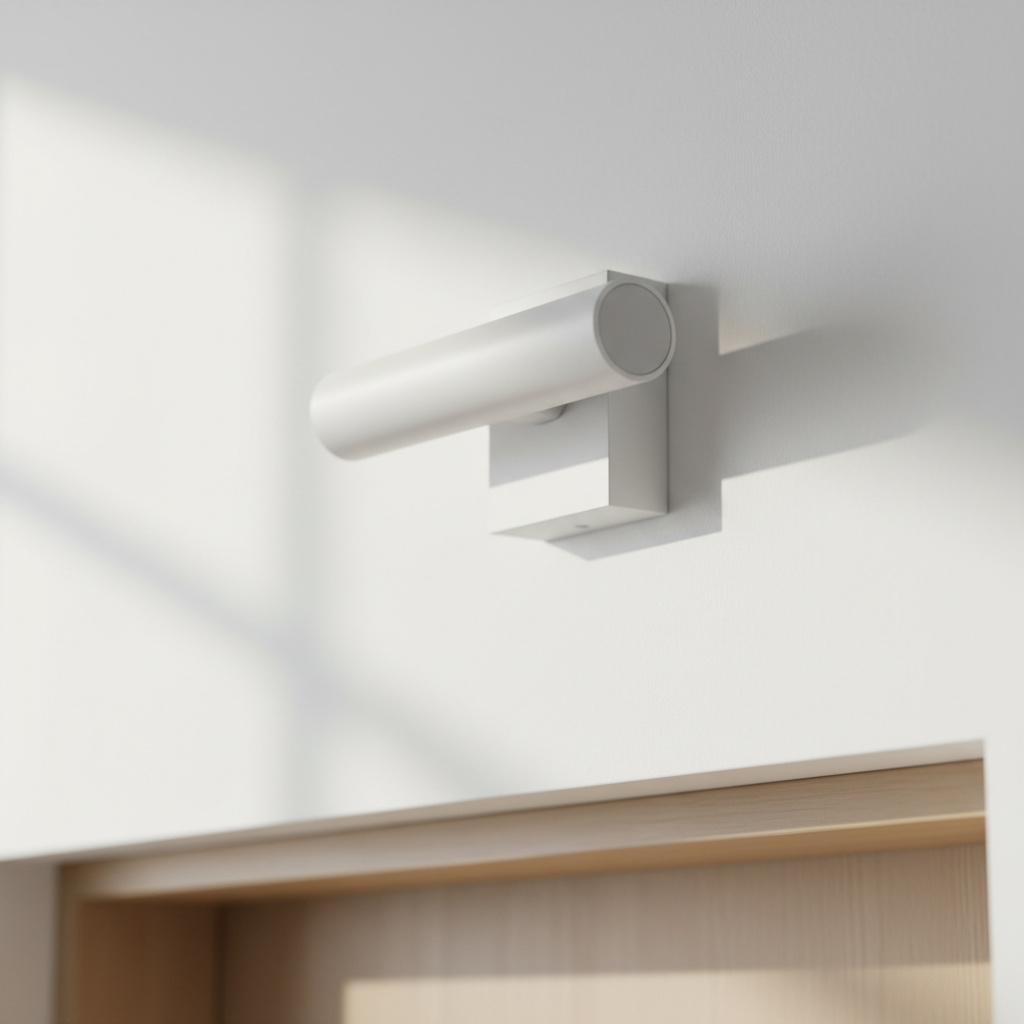
Before diving into the setup, it's crucial to gather all necessary equipment. Here’s what you’ll need:
- Wireless LED uplights
- Remote control or smartphone app
- Chargers for the lights
- Extension poles or stands (optional)
Ensure that the uplights you choose are fully charged and compatible with your control device for seamless operation.
Choosing the Right Spots
Placement is key when it comes to uplighting. Identify the areas you want to highlight, such as walls, corners, or specific architectural features. Consider the following tips:
- Place lights at the base of walls for a dramatic effect.
- Use multiple lights to create depth and layers.
- Experiment with angles to achieve the desired look.
Setting Up the Lights
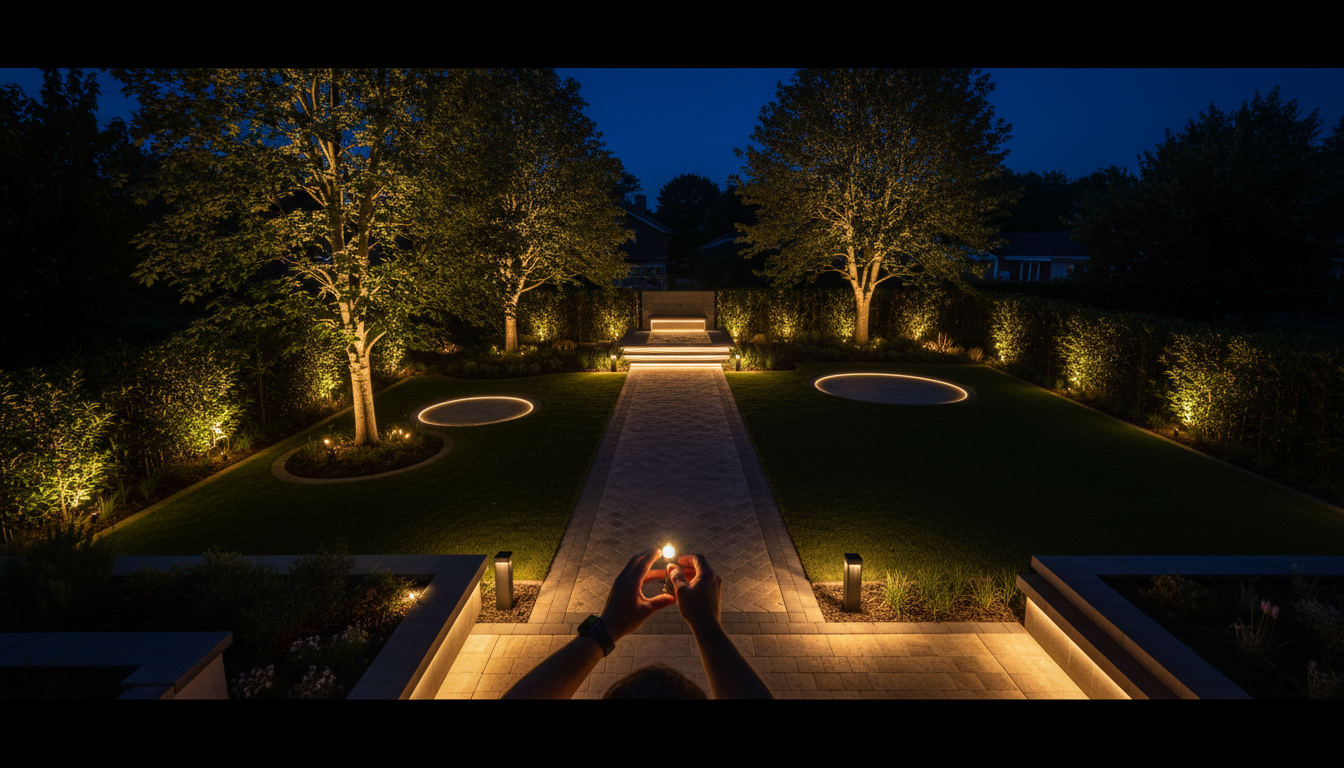
Once you’ve identified the perfect spots, it’s time to set up the lights. Follow these steps:
- Position each light at the chosen spot.
- Adjust the angle to maximize the lighting effect.
- Test the lights using the remote or app to ensure they’re working properly.
- Adjust the colors and brightness to match your party theme.
Remember to keep the lights out of direct pathways to avoid any accidents.
Creating the Perfect Ambiance
With your lights set up, focus on creating the perfect ambiance. Use the control settings to change colors and patterns. Consider using soft colors for a relaxed vibe or vibrant hues to energize the crowd.
Some uplights offer programmable modes that allow you to sync the lights with music, adding an extra layer of excitement to your party.
Maintaining Your Uplighting System
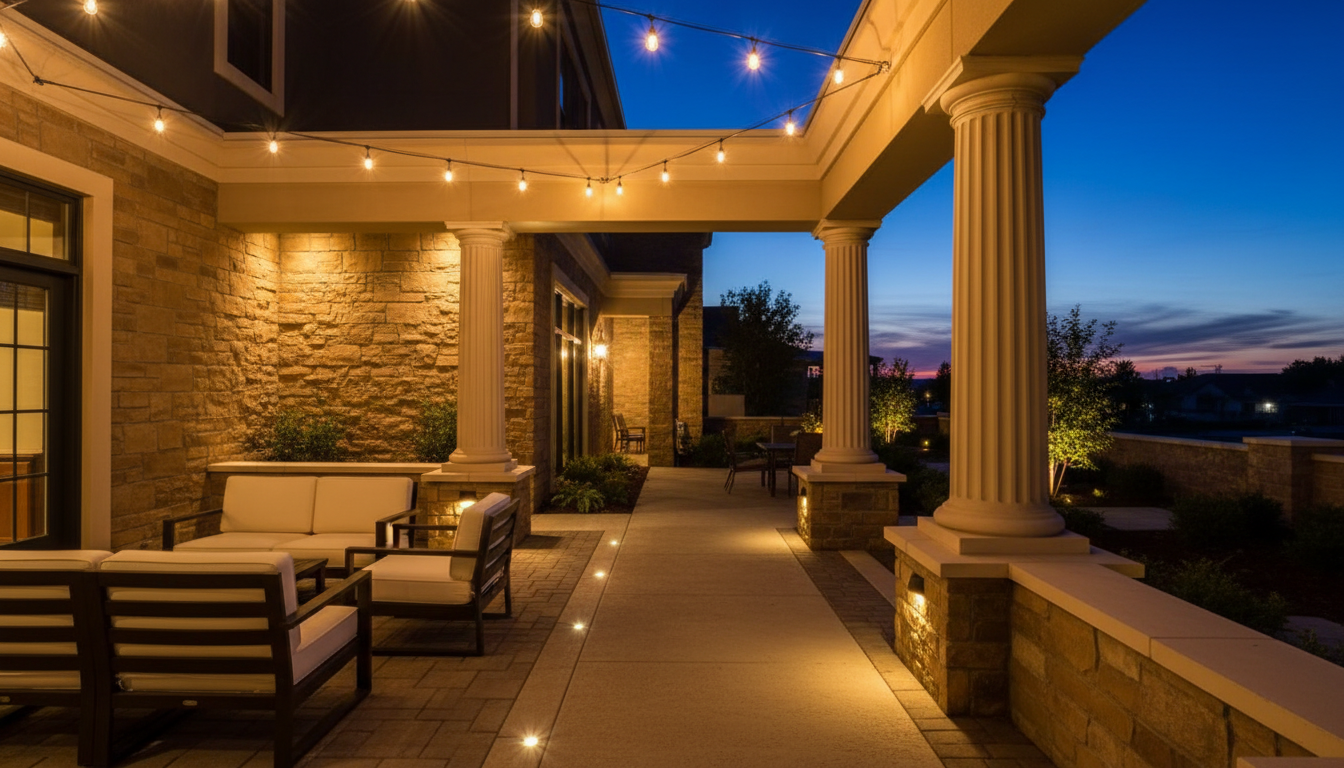
Proper maintenance will ensure your uplighting system lasts for many parties to come. After the event:
- Turn off all lights and allow them to cool down.
- Recharge the batteries fully before storing them.
- Clean the lights with a soft cloth to remove any dust or fingerprints.
Store your lights in a safe, dry place to prevent any damage.
Troubleshooting Common Issues
If you encounter any issues with your uplighting system, here are a few troubleshooting tips:
- Ensure all devices are charged.
- Check the remote or app connection.
- Reset the lights if they’re not responding properly.
Consult the manufacturer’s manual for specific instructions if problems persist.
Conclusion
Setting up a wireless uplighting system for your house party can be a straightforward and rewarding process. By following this guide, you'll be able to create a stunning visual experience that will leave a lasting impression on your guests. Enjoy the party and the compliments that come with your newfound lighting expertise!